Quick answer: Start with the apps that touch money and orders: Zoho CRM for enquiries and dealers, Zoho Books for GST invoices, and Zoho Inventory for stock. Then build your shop-floor work (production, job cards, QC) in Zoho Creator. Add Analytics, People and Desk once the first three are in daily use. This order gives you clean data from day one and quick wins your team can see.
Most small and mid-size factories in India run on a mix of Excel sheets, Tally, WhatsApp groups and paper registers. Each tool works on its own. The trouble starts when the owner asks a simple question: "How many orders are stuck, and why?" Nobody can answer without calling three people.
Zoho One puts more than 50 business apps under one login and one bill. That is the good news. The bad news is that many factories try to switch on everything in the first month, get confused, and go back to Excel.
Which Zoho One apps does a factory actually need?
You do not need all 50+ apps. A typical manufacturer uses 8 to 12 of them. Here is how the main apps map to the departments in a factory.
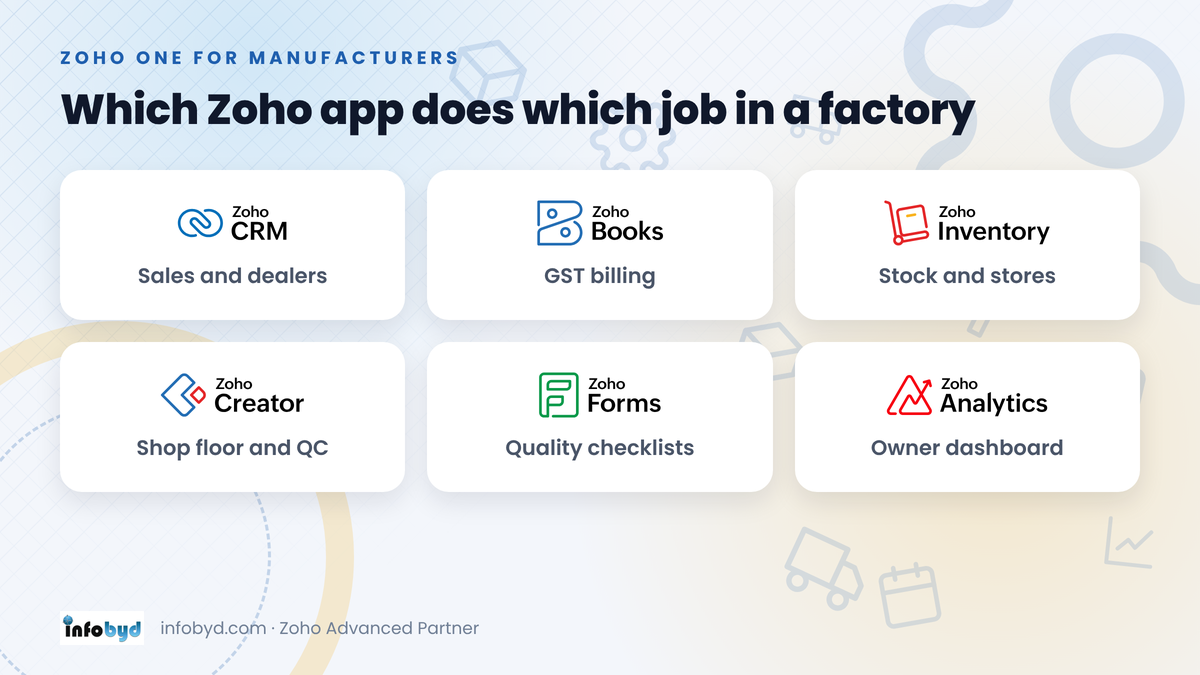
| Department | Zoho app | What it does for you |
|---|---|---|
| Sales and dealers | Zoho CRM | Tracks every enquiry, quote and follow-up. Keeps dealer and distributor records in one place. |
| Accounts and GST | Zoho Books | GST invoices, e-way bills, e-invoicing, payments due, bank reconciliation. |
| Stores and stock | Zoho Inventory | Stock in each warehouse, batches and serial numbers, purchase and sales orders, reorder levels. |
| Production and shop floor | Zoho Creator | Your own apps for production plans, job cards, job work, QC checklists and machine logs. Built to match how your factory works. |
| Quality | Zoho Forms + Zoho Creator | Checklists on a tablet, with photos, sent the moment a part fails. |
| Service and complaints | Zoho Desk | Customer complaints and service requests as tickets, with a due time for each. |
| People | Zoho People | Attendance, shifts and leave, including for shop-floor staff. |
| Reports | Zoho Analytics | One owner dashboard across sales, stock, production and payments. |
| Documents and team chat | WorkDrive, Sign, Cliq | Drawings and files in one place, signed POs and contracts, team chat instead of personal WhatsApp groups. |
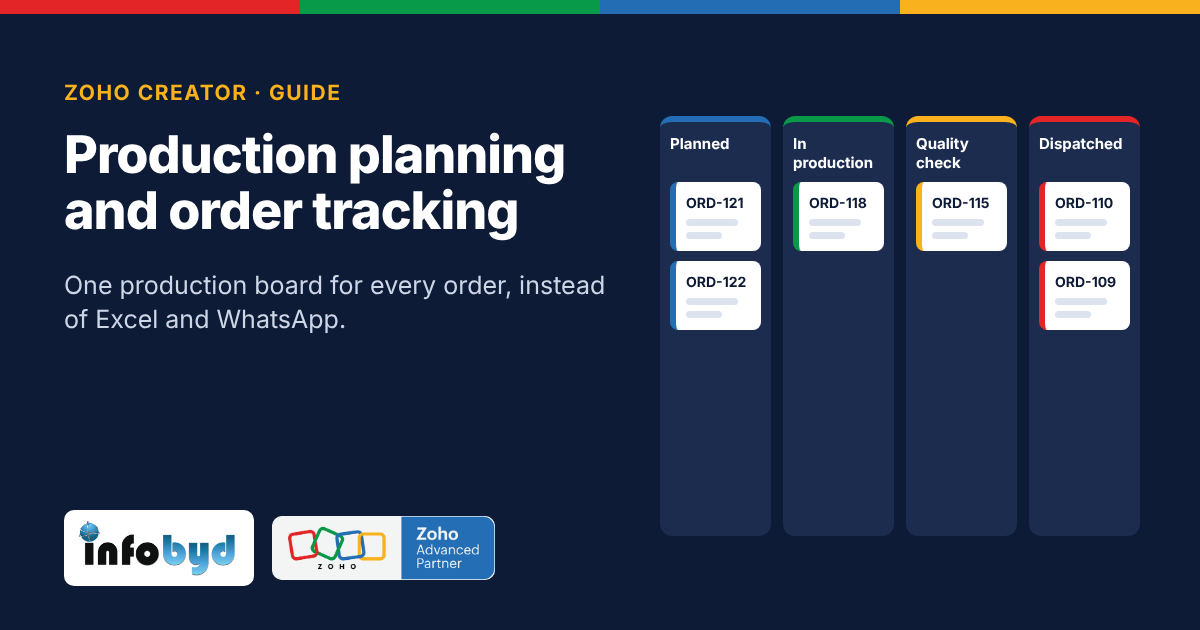
A note on production: Zoho One does not ship a ready-made MRP or production module. This is where Zoho Creator comes in. Creator is a low-code platform (you build apps with little code) that is part of Zoho One. Your partner builds production, job card and QC apps on it, linked to Inventory and Books. Read our guide on production planning and order tracking with Zoho Creator.
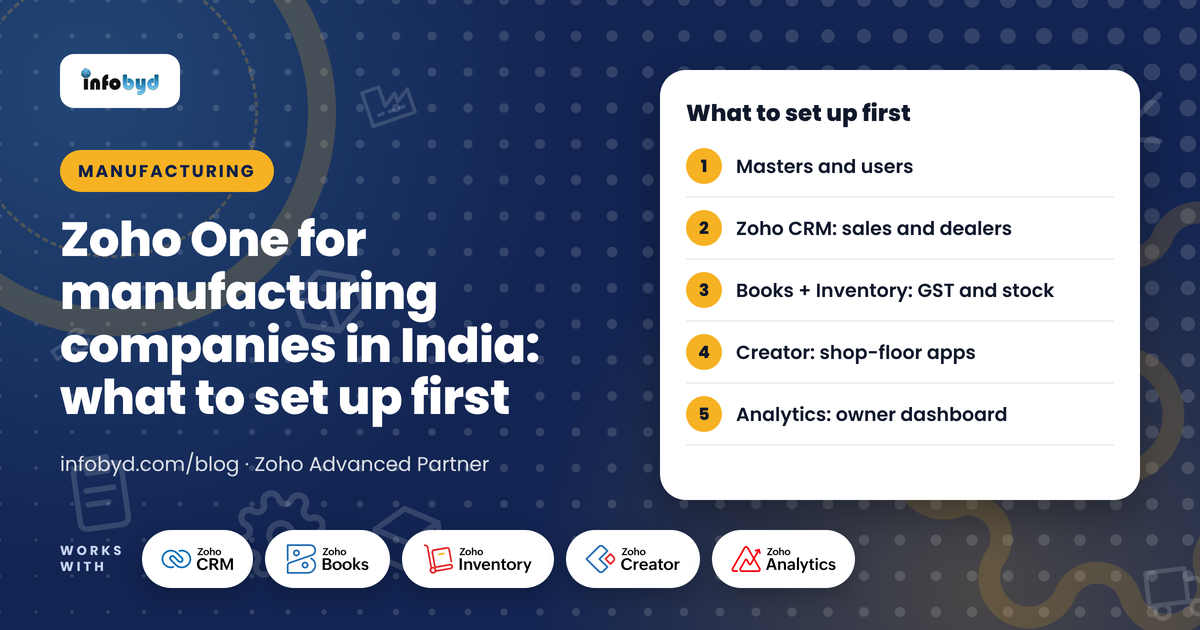
What to set up first: a 5-step order
This is the order we follow in most factory projects. Each step builds on the one before, so your data stays clean.
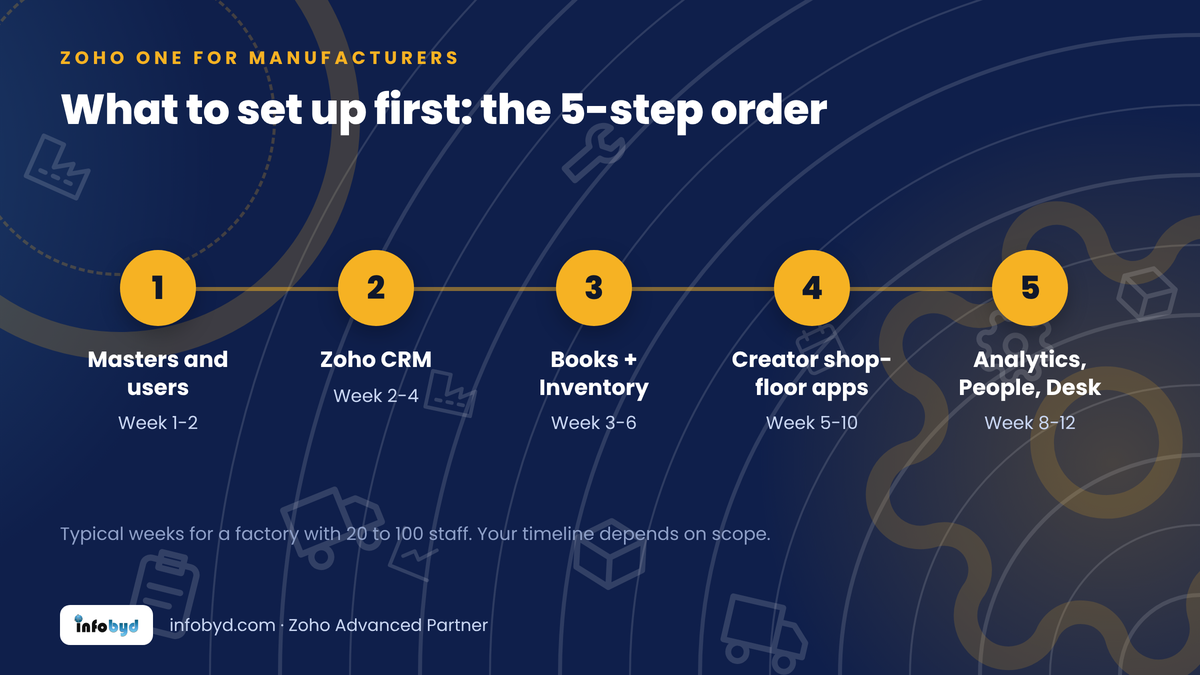
Step 1. Masters and users (week 1 to 2)
Before any app, clean your base data: item list with units, customer and dealer list, vendor list, GST details and price lists. Set up users and roles so each person sees only what they need. Most failed projects skip this step. Old Excel data full of duplicates goes straight into the new system, and nobody trusts the reports.
Step 2. Sales and dealers in Zoho CRM (week 2 to 4)
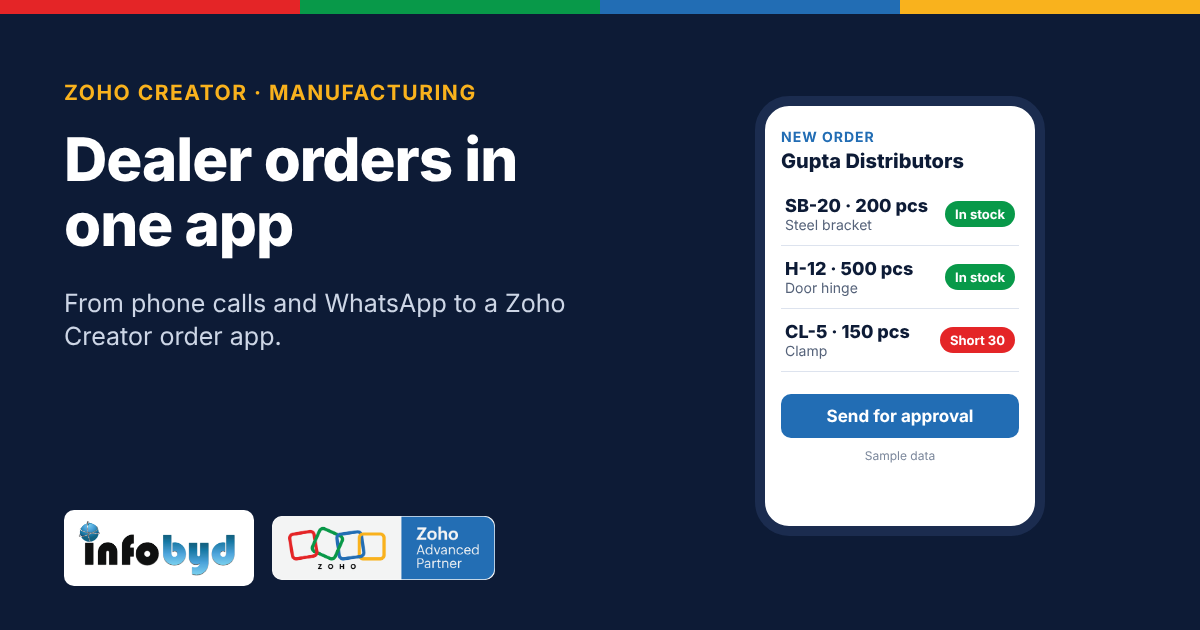
Move every enquiry into CRM: website forms, IndiaMART leads, phone calls and walk-ins. Add your sales stages, quote follow-ups and dealer records. Your sales head can now see the full pipeline (all open deals) on one screen. If you sell through dealers, see our post on dealer and distributor orders.
Step 3. Billing and stock in Zoho Books and Zoho Inventory (week 3 to 6)
Connect CRM to Books so a won deal becomes a sales order and then a GST invoice, without typing it again. Turn on Inventory for stock in each warehouse, batches, reorder levels and purchase orders. If you are moving from Tally, plan a cut-off date and move only opening balances and open invoices, not years of history.
Step 4. Shop-floor apps in Zoho Creator (week 5 to 10)
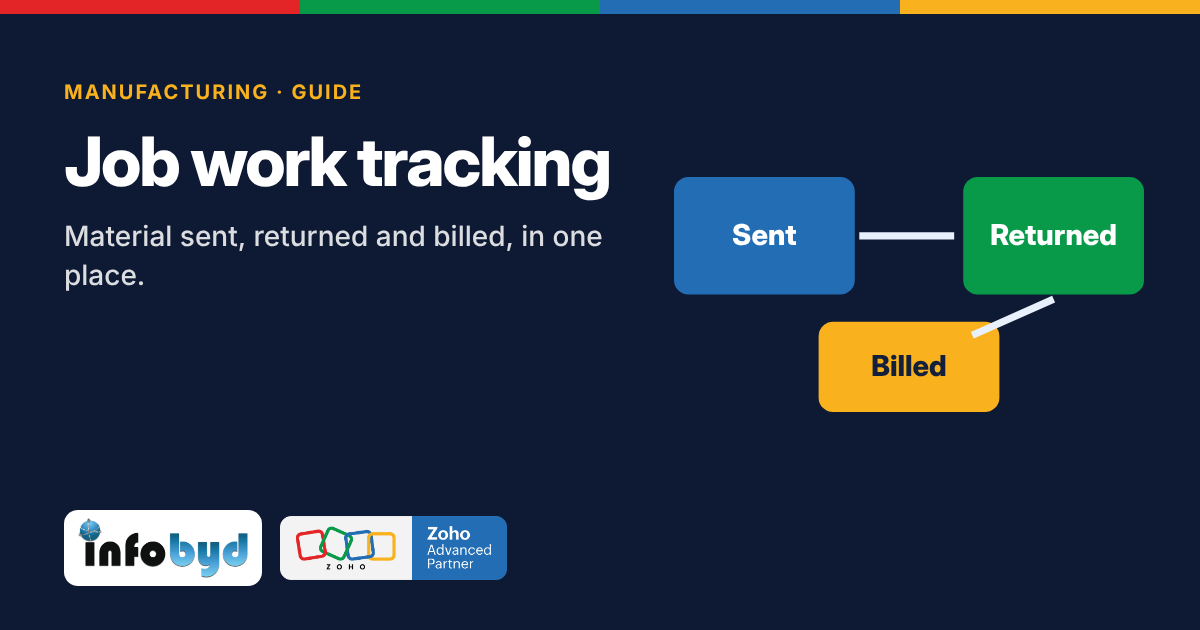
Now build the apps that are unique to your factory: production plan, job cards, material issue, job work sent and received, QC checklist and machine log. Keep version one small. Start with one line or one product family, test it for two weeks, then roll out. Related: job work tracking for manufacturers.
Step 5. Dashboards, people and service (week 8 to 12)
Once the data flows, build an owner dashboard in Zoho Analytics: orders this month, pending dispatch, stock value, overdue payments and QC rejection rate. Add Zoho People for attendance and Zoho Desk for customer complaints when the core is stable.
Timeline note: These weeks are typical for a factory with 20 to 100 staff. Your timeline depends on the number of plants, how clean your data is, and how much custom shop-floor work you need.
5 mistakes manufacturers make with Zoho One
- Switching on every app in month one. Your team learns 15 new screens at once and gives up. Start with 3 to 4 apps, then add more.
- Copying old Excel sheets as they are. If the sheet had 4 names for the same customer, the new system will too. Clean the masters first.
- Building the production app before billing works. Orders and invoices are where money moves. Get them right first. Shop-floor apps come next.
- No owner for each app. Someone in your company must own CRM, someone must own stock. Without an owner, data entry slips within weeks.
- Skipping training for the shop floor. Supervisors and store staff use the system the most. Train them on mobile and tablet, in the language they are comfortable with.
How much does Zoho One cost in India?
Zoho One has two pricing models. On 23 November 2026, Zoho's pricing page showed these prices for India, billed annually:
| Plan | Price (India, billed annually) | Who it suits |
|---|---|---|
| All Employee Pricing | ₹1,250 per employee per month | Most of your staff will use Zoho. You must buy a licence for every employee on payroll. |
| Flexible User Pricing | ₹3,500 per user per month | Only some staff need Zoho, for example office and sales teams. |
GST is charged on top. Zoho's FAQ says the All Employee annual rate can change from the second year, so always check the current price on the Zoho One pricing page before you budget.
Implementation (set-up, data move, custom Creator apps and training) is a separate cost from the licence. It depends on your scope, so ask your partner for a written scope with milestones.
Set up Zoho One for your factory with Infobyd
Infobyd is a Zoho Advanced Partner based in Indore, with 1,240+ clients across India. We set up Zoho One for manufacturers in the order above: clean masters, CRM and billing first, then shop-floor apps your team will actually use.
See how we work with factories on our manufacturing page, or read about our Zoho One services.
Frequently asked questions
Is Zoho One good for small manufacturers in India?
Yes, if more than a few people will use it. It gives CRM, GST billing, stock, custom apps and reports under one login and one bill. For a factory with only 2 to 3 office users, single apps like Zoho Books and Zoho Inventory may cost less.
Does Zoho One have a production or MRP module?
Not as a ready-made module. Production planning, job cards and QC are built in Zoho Creator, which is included in Zoho One, and linked to Zoho Inventory and Zoho Books.
Can we move from Tally to Zoho Books?
Yes. Plan a cut-off date and move opening balances, customers, vendors, items and open invoices. Moving years of old entries is usually not needed.
How long does a Zoho One set-up take for a factory?
The core (CRM, Books, Inventory) often takes 4 to 6 weeks. Custom shop-floor apps and dashboards add more weeks, depending on scope.
Can shop-floor staff use Zoho on mobile?
Yes. Zoho Creator apps and Zoho Forms work on phones and tablets, so supervisors can fill job cards and QC checklists on the floor.