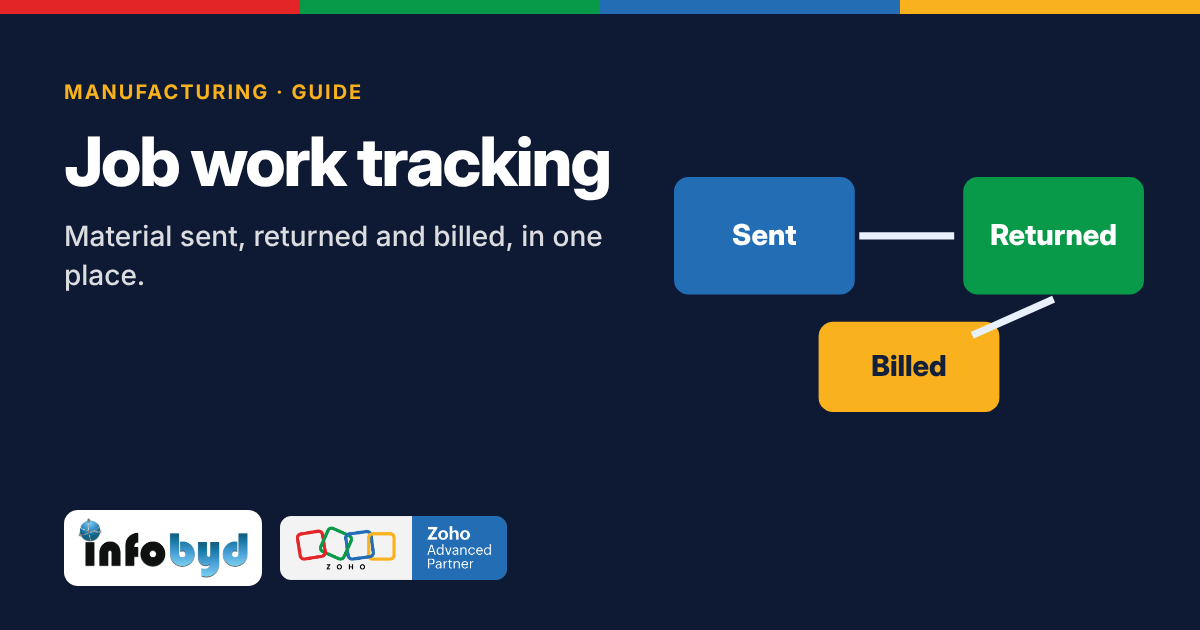
Job work management software tracks every piece of material you send to an outside job worker, what comes back, the scrap, what is still pending, and the bill for the work. Many manufacturers send parts out for machining, plating, painting, heat treatment or stitching. The trouble starts when challans live in a register, returns come back in parts, and nobody can say how much stock is still lying with each job worker.
Why job work is hard to track
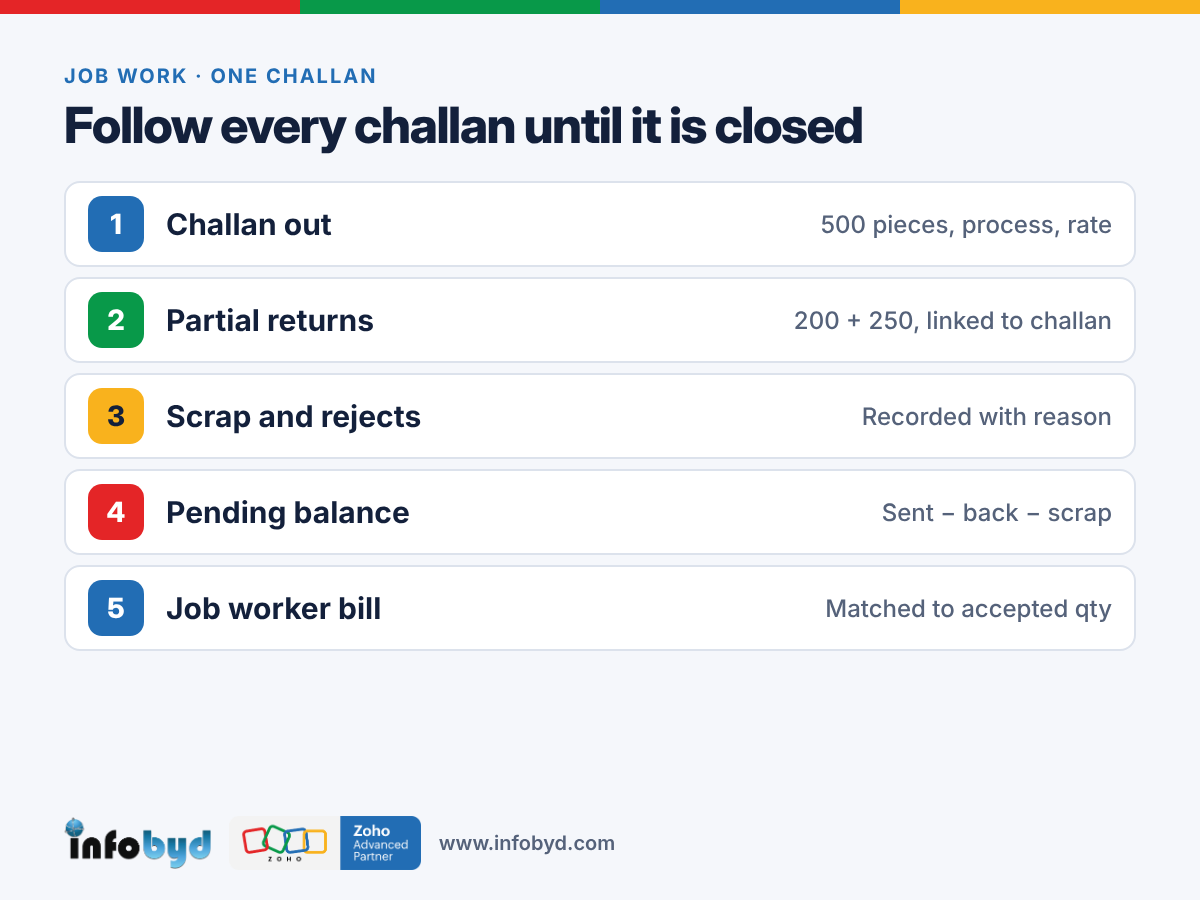
One challan rarely comes back in one go. You send 500 pieces. 200 come back on Monday, 250 next week, and 20 are rejected. The rest are scrap, or still on the job worker's floor. Nobody is sure.
Now multiply this by 10 job workers and 50 open challans. The register says one thing, the store says another, and the job worker's bill says a third. At year end, the stock does not match, and someone spends days going through paper.
5 places where job work stock goes missing
1. Partial returns not linked to the challan
When a return is written without the original challan number, you cannot see what is still pending. Always record a return against its challan, line by line.
2. Scrap and process loss not recorded
Some loss is normal in machining or plating. If it is not written down, it looks like the job worker still has the material. Agree a normal loss % for each process and record the actual scrap on every return.
3. Old challans nobody follows up
A challan that is 90 days old is easy to forget. Sort open challans by age and follow up the oldest first, every week.
4. Job worker bills checked by memory
The bill should match the quantity actually received and accepted, at the agreed rate. When bills are checked from memory, you pay for rejected pieces or the wrong rate.
5. Rejected pieces with no clear status
Rejected pieces may go back to the job worker for rework, or be scrapped. If the status is not clear, they disappear from both lists.
What to record on every job work challan
- Job worker name and GSTIN
- Challan number and date
- Item, quantity and unit (and weight, if you work by weight)
- Process to be done and agreed rate
- Expected return date
- Value of goods sent
And on every return:
- The original challan number
- Quantity received, accepted and rejected
- Scrap or process loss
- Balance still pending
- Photo of the job worker's delivery note
A simple pending formula
Pending with job worker = Quantity sent − Quantity received back − Scrap − Approved loss
Run this for every open challan. Then group it by job worker and by item. That one report answers the question every owner asks: "How much of my material is outside right now?"
A note on GST
Under GST in India, goods sent for job work have rules on time limits for return, and job work movements have to be reported. The rules and forms have changed over the years, so confirm the current rules with your CA. A good system makes this easy, because the challan, return and pending data are already in one place.
How manufacturers track job work on Zoho
- Zoho Creator for the job work app: challans, partial returns, scrap, rejections, pending balance and challan age. The store team can enter returns from a phone, with a photo.
- Zoho Inventory, or stock inside the same Creator app, so stock with job workers is shown separately from stock in your own store.
- Zoho Books for GST invoices and job worker bills, checked against accepted quantity and rate.
- Zoho Analytics (optional) for dashboards: pending by job worker, oldest challans, scrap % by process and job work cost per item.
We build this around how your factory already works: your challan format, your processes and your approval steps. See the full flow on our Zoho for manufacturing page.
Frequently asked questions
What is job work management software?
It is software that tracks material you send to an outside job worker for a process like machining, plating, painting or stitching. It records what was sent, what came back, the scrap and loss, what is still pending, and the job worker's bill, so stock and costs match.
What should be written on a job work challan?
The job worker's name and GSTIN, challan number and date, item, quantity and unit, the process to be done, the expected return date and the value of goods. Keep the same challan number on every return entry so pending quantity is always clear.
Can Zoho be used for job work tracking?
Yes. Manufacturers use a Zoho Creator app for job work challans, partial returns, scrap and pending stock, Zoho Inventory or the same Creator app for stock, and Zoho Books for GST invoices and job worker bills. A Zoho partner sets it up around your process.
How do I know how much material is still with my job workers?
For every challan, take quantity sent and subtract quantity received back, scrap and approved loss. What is left is still with the job worker. A pending report by job worker and by item shows this in one view, with the age of each challan.