Zoho CRM can work as one sales system for a real estate business. Leads from portals, website forms and walk-ins go into one list, each lead gets an owner automatically, and your team moves it through clear stages: enquiry, site visit, negotiation and booking. Managers see every project and tower on one dashboard.
New to CRM pipelines? Read How to build an automated sales pipeline in Zoho CRM.
Note: examples with names and numbers in this post are sample data, not a real client.
Why property leads get lost
A typical builder or broker office gets leads from many places in one day:
- Property portals (each portal sends leads to its own inbox or app)
- The project page on your website
- Facebook and Instagram ads
- Walk-ins at the site office
- Phone calls and WhatsApp messages
Each source lands in a different place. Someone copies them into Excel when they get time. By then, the buyer has already called two other projects.
Common problems we see:
- Slow first call. Nobody knows which salesperson should call a new lead, so it waits.
- Missed follow-ups. Reminders live in personal diaries and phones. When a salesperson is on leave, their leads go cold.
- Site visits not recorded. The team does not know who visited, what they liked, or what they asked about the price.
- No clear source report. Management cannot see which portal or ad brings bookings, and which only brings enquiries.
A CRM (customer relationship management software, one place to store and follow every customer) fixes this by putting every lead and every activity in one system.
A simple real estate pipeline in Zoho CRM
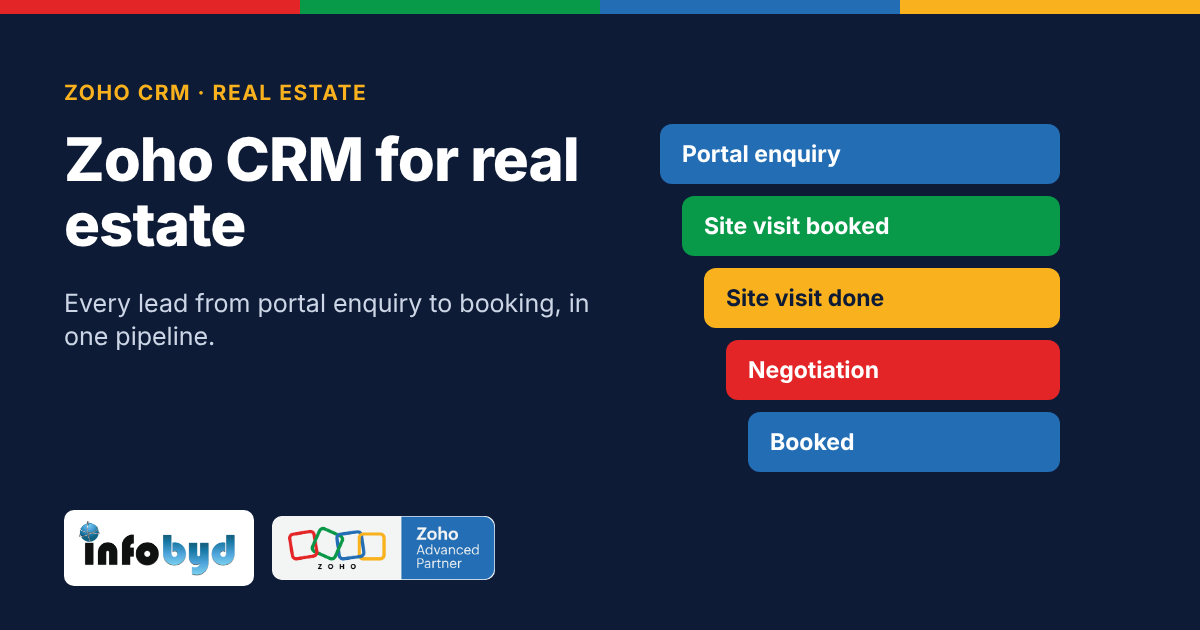
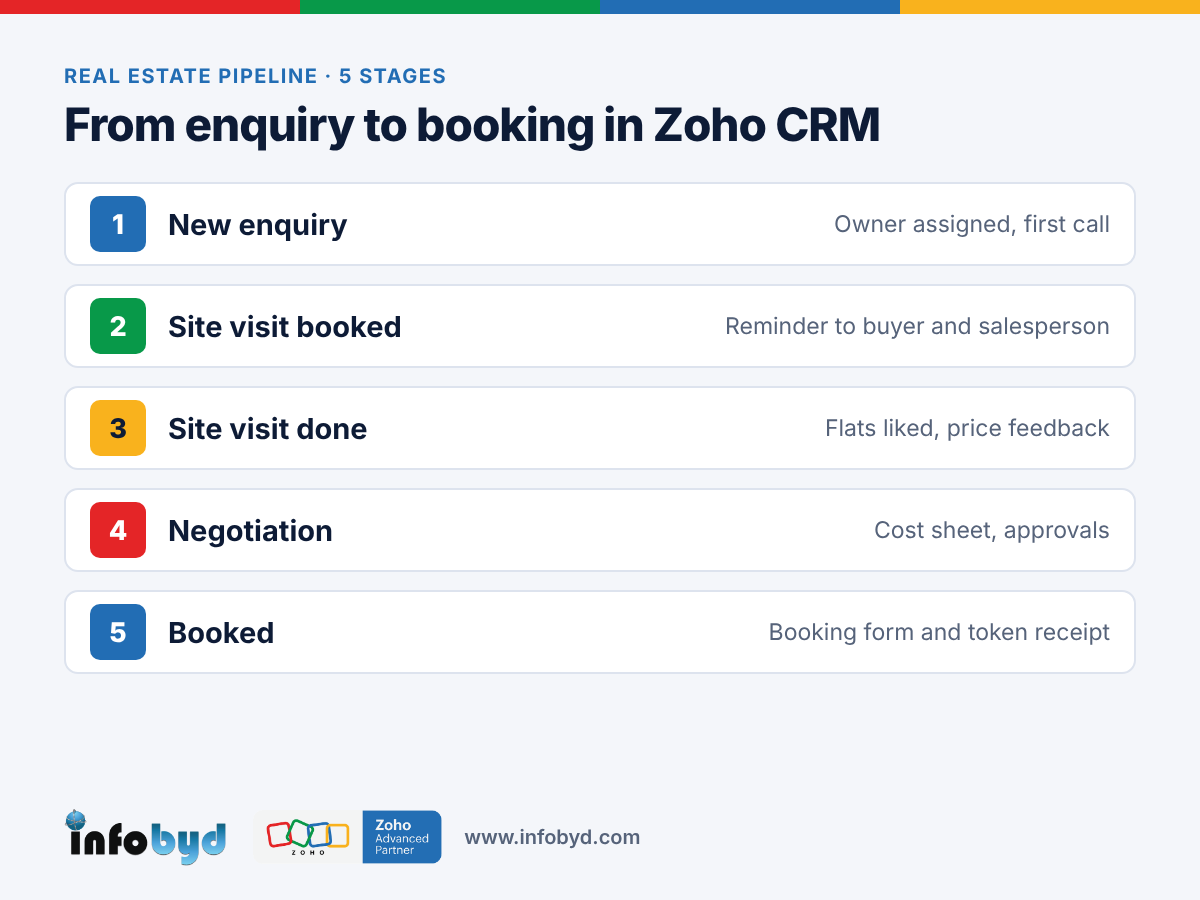
A pipeline is the list of stages a buyer goes through. Here is a starting point for a builder. Change the names to match how your team talks.
| Stage | What it means | What the team does | Done when |
|---|---|---|---|
| New enquiry | Lead came in from a portal, website, ad, call or walk-in | Owner is assigned automatically; first call within the hour | Buyer is reached and need is noted (budget, BHK, tower, timeline) |
| Site visit booked | Buyer agreed to visit | Date and time saved; reminder sent to buyer and salesperson | Visit happens or is moved |
| Site visit done | Buyer has seen the site or sample flat | Notes added: flats liked, questions, price feedback | Next step agreed |
| Negotiation | Talking about price, payment plan, offers | Quote or cost sheet shared; approvals if a discount is asked | Buyer says yes, or the deal is marked lost with a reason |
| Booked | Token or booking amount paid | Unit marked as booked; documents start | Booking form and token receipt saved |
Tip: add a "Lost reason" field (price, location, possession date, bought elsewhere). After a few months, this tells you why buyers say no.
Zoho CRM features that help builders
These are standard Zoho CRM features. Facts below were checked on Zoho's help pages on 5 Nov 2026. Some features depend on your Zoho CRM edition, so check your plan.
| Feature | What it does for a builder | Zoho source |
|---|---|---|
| Webforms (website forms) | A form on your project page sends each enquiry straight into CRM as a lead. A hidden field can record which page or campaign the lead came from. | Zoho CRM Help: Webforms |
| Assignment rules | New leads from webforms, imports and the API get an owner automatically. When you pick several salespeople, leads are shared in turn (round-robin). Note: rules do not run on leads typed in by hand. | Zoho CRM Help: Assignment rules |
| Blueprint (guided process) | Makes the team follow your stages in order. For example, a deal cannot move to "Booked" until the token amount and booking form are added. Available from the Professional edition. | Zoho CRM Help: Blueprint |
| Mobile app | Salespeople can update a lead, add visit notes and call the buyer from the site. | Zoho CRM mobile app (App Store / Play Store) |
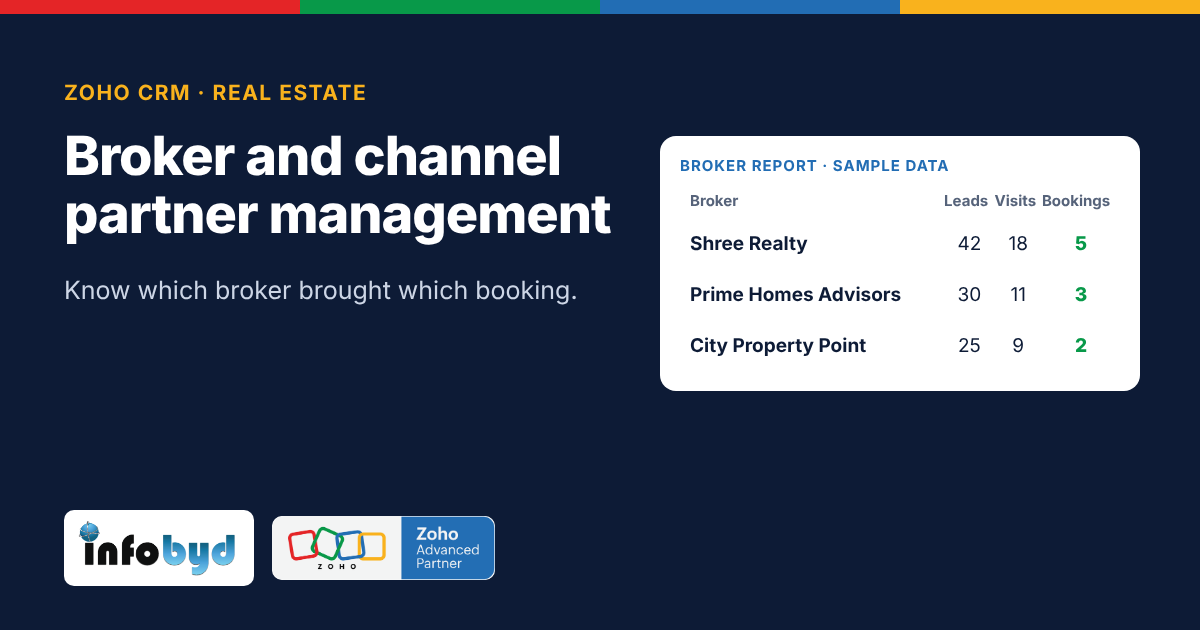
| Reports and dashboards | See leads, site visits and bookings by source, project, tower and salesperson. | Built into Zoho CRM |
Portal leads: many property portals can send leads into Zoho CRM through an API (a connection between two software systems) or an email-to-lead setup. How this works is different for each portal, so we check each one during setup.
Want stages that the team cannot skip? See Blueprint in Zoho CRM.
How to set it up in 5 steps
- List your lead sources. Write down every place leads come from today: each portal, the website, ads, walk-ins, calls. This becomes the "Lead source" list in CRM.
- Add real estate fields. Add fields like project, tower, BHK type, budget, possession timeline and preferred site visit date. Keep it short; only add what your team will fill.
- Connect the sources. Put a Zoho CRM webform on each project page. Connect portals and ad forms where possible, so leads arrive without copy-paste.
- Set owners and reminders. Create assignment rules (for example, by project or city), and workflow rules that create a call task as soon as a lead comes in, and a reminder the day before each site visit.
- Build one dashboard. Show new leads today, site visits this week, bookings this month, and leads by source. Review it in the weekly sales meeting.
Start small: one project and one team for two weeks, then roll out to the rest.
How Infobyd helps
Infobyd is a Zoho Advanced Partner. For real estate teams we:
- Map your sales process (enquiry to booking) before we build anything
- Set up Zoho CRM fields, stages, assignment rules and reminders
- Connect your website forms, and the portals and ad forms that allow it
- Build dashboards for management
- Train your sales team and support you after go-live
Learn more on our Zoho CRM page and our Zoho CRM for real estate page.
Frequently asked questions
Can Zoho CRM bring in leads from property portals?
Often, yes. Many portals can send leads through an API or by email, and these can create leads in Zoho CRM. The method is different for each portal, so it should be checked for each one before you start.
How do we make sure every new lead gets a call quickly?
Use assignment rules to give each lead an owner the moment it arrives, and a workflow rule to create a call task for that owner. Leads typed in by hand need to be assigned by the person who adds them.
Can we track site visits in Zoho CRM?
Yes. You can keep a site visit stage in the pipeline, save the visit date, send reminders, and add notes after the visit from the mobile app.
Can we see which source brings real bookings?
Yes. If every lead has a lead source, CRM reports can show enquiries, site visits and bookings by source, so you can see which portal or ad actually sells flats.
Is Zoho CRM only for big builders?
No. A small broker office can start with a simple pipeline and a few users. Bigger builders can add more projects, teams and approvals later.
How long does a basic setup take?
It depends on the number of projects, sources and users. A simple setup for one project can often be ready in a few weeks. We share a clear plan before we start.